Released
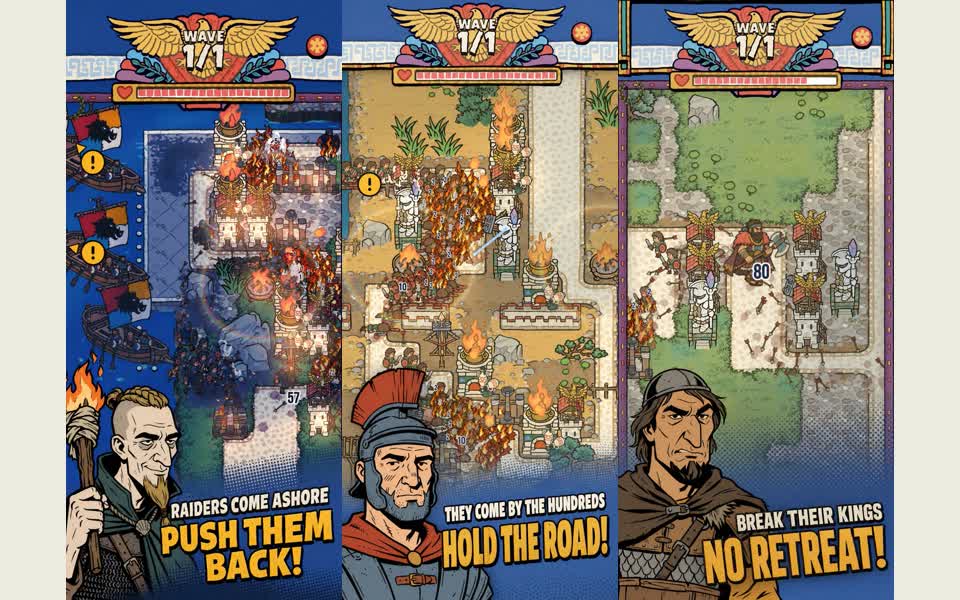
RomeTD: Fire and Bricks
Platforms · Android / iOS
Roman tower defense: build your defenses and hold against incoming waves.
Official App Store screenshots
A shared workspace for game teams and AI
Your teammates and AI work in one project. Its AI sees everyone’s progress, helps plan what’s next, and starts the work once you agree.
Making a game on your own? MiniGrove’s built-in expertise can help you complete it.
Currently invitation-only; a new cloud project created by invitation can try MiniGrove free first · Email us for an invitation
See what people and AI are doing, or ask the AI for the whole picture.
Keep the context for yourself and anyone joining the project.
Bring specialist skills to real tasks and review the results.
GAMES
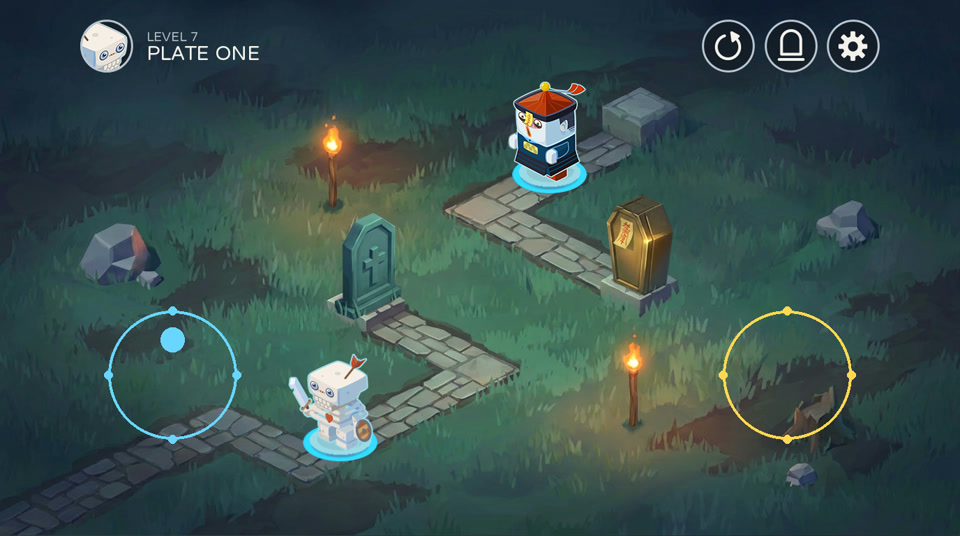
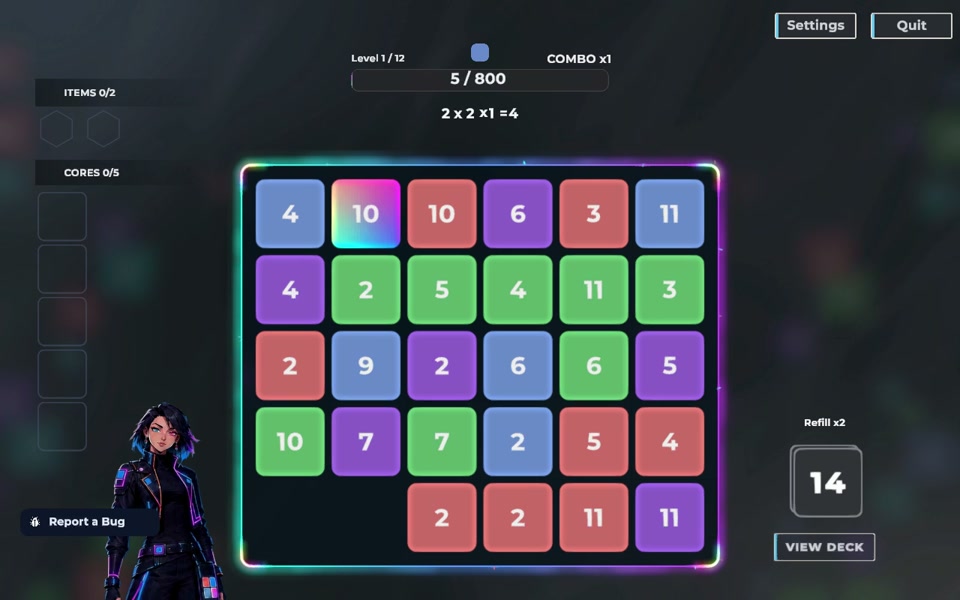
Released games, playable demos and work in progress. RomeTD and Return to Coffin come from other creators; Iris Grid is made by the MiniGrove team at Muyi Games, Inc.
01 / COORDINATION
Ask “What is everyone working on this week?” or “What should we do next?” Working alone, ask “Where did I leave off?” It reads the project’s tasks, conversations and code, answers from real progress, then proposes the next task. Once you confirm, it gets to work.
When the project moves, MiniGrove’s advisors also take a look on their own, and speak up only when something deserves attention. No new progress, no check.
Discussions and advice are read-only and never change the game. You decide when work starts. Advisors never mention or message anyone and speak at most once a day. They are on by default; a project owner can pause them.
How is everyone doing this week? What should we do next?


Actual discussion reply and suggested-task control with demo data; the question illustrates the flow.
02 / ADVISORS
MiniGrove’s advisors look at your project from four angles: product, engineering, player experience and art. When the project moves, they take a look on their own and suggest something only when it deserves attention. Press Start work and the suggestion becomes a task.
For a thorough look, run a project checkup. It reads the main line and reports on repository health and project architecture: what deserves attention, why, and what to do first. Anything worth fixing becomes a task in one press.
Advice and checkups are read-only and never change the game. You decide when work starts. Advisors speak at most once a day and never mention anyone; they are on by default and the project owner can pause them. A member starts a checkup; it takes up to 30 minutes and uses the project computer’s AI allowance.


Actual advisor note and project checkup with demo data.
03 / AT ONCE
Each task has its own conversation and branch, so several AIs can work side by side. The board lays the whole project out: what is still an idea, what is in progress, what waits for your answer or review, and what is merged into main.
Drag an idea to In Progress and an AI starts on it. Anything that needs you appears under Action Required.
A trial project runs 3 AIs at once. Paid plans open soon.

Actual task board · Demo data
04 / DECISIONS
AI suggests decisions worth keeping as you talk. Edit, confirm or defer them, so future work and collaboration can build on today’s choices.
In game production, decisions get lost as soon as the conversation ends. Keep the decision, reasoning and alternatives with the project: fewer detours, clear handoffs, and MiniGrove draws on these records in later answers and suggestions, understanding the project better over time.
Focus the first version on exploration and building. Add resources next. Record this decision, why we chose it and the alternatives.

Return to the reasoning yourself, or share it with a teammate.
Actual record dialog with unsubmitted demo content; surrounding text explains the flow.
05 / AI ACCESS
Use MiniGrove’s allowance, or bring an OpenRouter API key or ChatGPT subscription where supported. Choose how you use AI while keeping production and collaboration in the same project.
01 / MINIGROVE Start here
Use your project allowance to start making a game in one shared workspace.
02 / BYOK Your own key
Use your own OpenRouter account and choose supported models for your project. Your account pays for model use.
03 / SUBSCRIPTION Supported projects
In projects that support subscription connections, use your existing ChatGPT subscription allowance for production.
Using your own key or subscription requires an eligible paid plan and remains subject to provider allowance, plan machine-hour limits and project support.
06 / GAME PRODUCTION
You do not need every specialist skill to start making a game. Built-in capabilities for gameplay design, character animation, asset production and testing help fill production gaps, so your team can focus on ideas and key decisions.
Character animation is one example: AI handles the character design, the frames and the in-game result, then you or a teammate review it.
AI designed the character and animated the continuous walk cycle.
A breath, a blink, a yawn and a scratch of the skull.
Breathe → Yawn → Breathe → Scratch
07 / ROADMAP
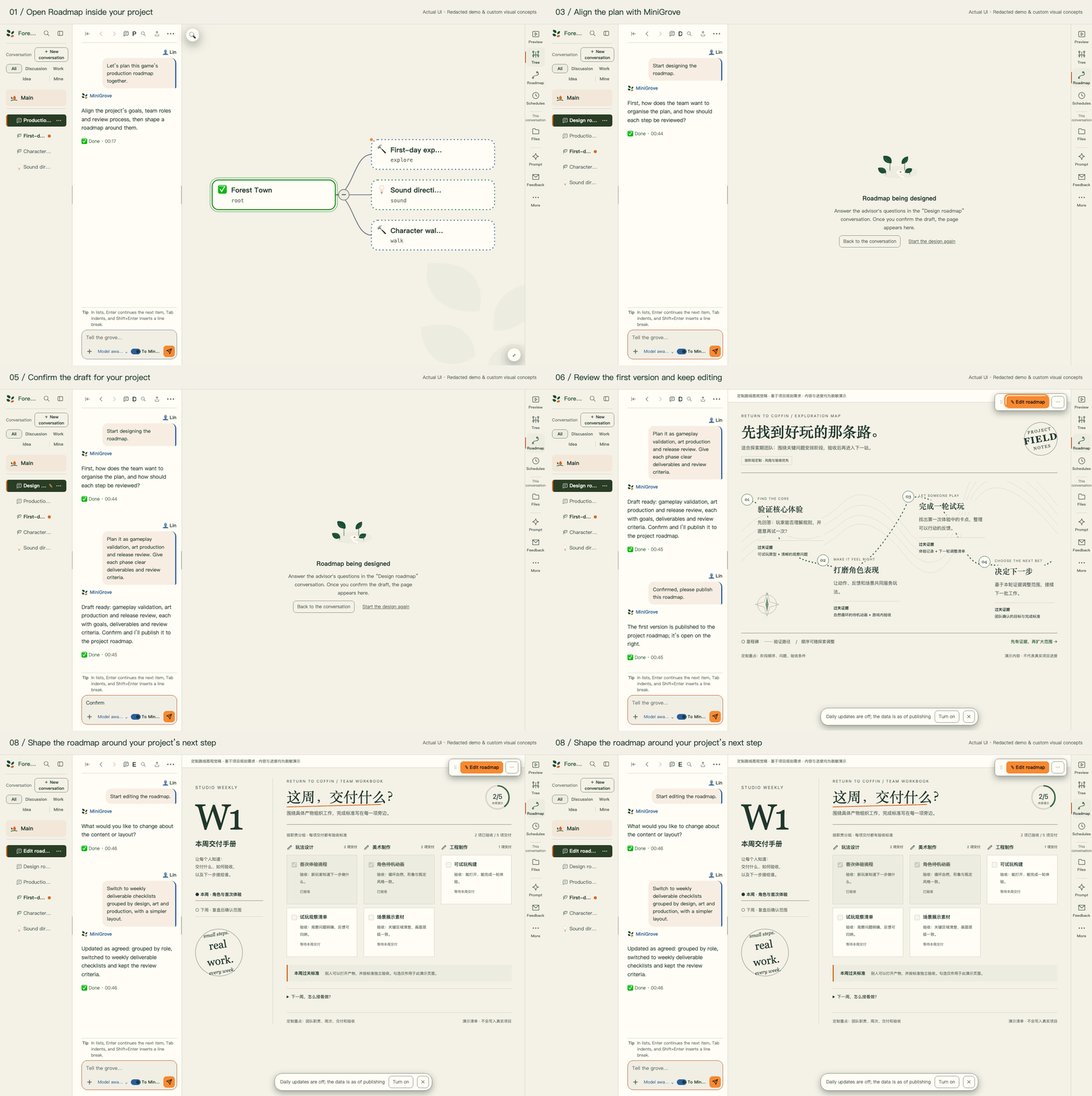
Start from Roadmap inside your project and tell MiniGrove how you want to plan. Organize by phase, week or team role. Customize goals, deliverables, review criteria and page layout for this project.
01 / CREATE AND EDIT

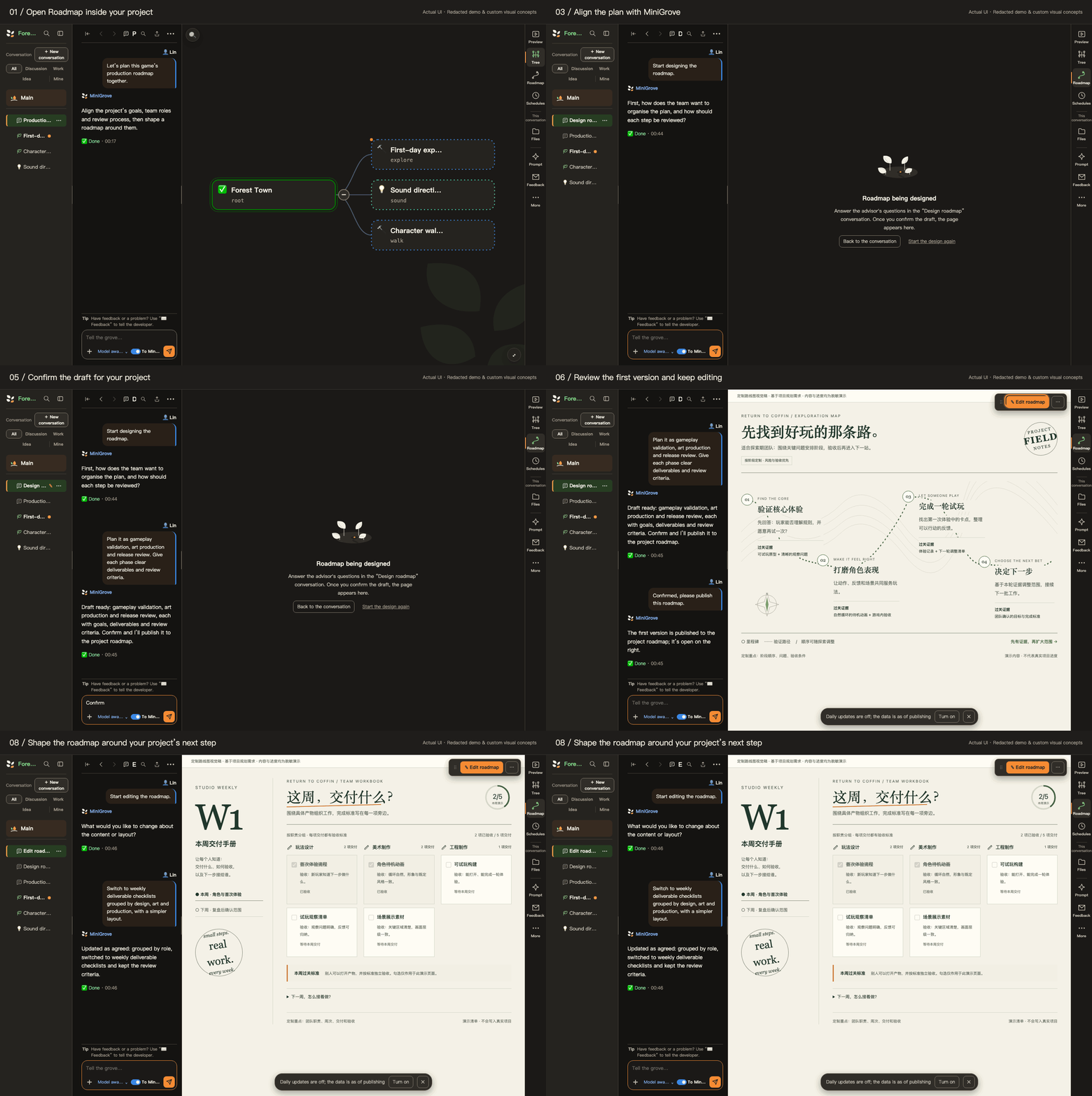
About 15 seconds, from creation to revision. See the roadmap take shape through conversation, using actual UI and custom visual concepts with redacted content.
02 / ROADMAPS MADE WITH MINIGROVE
With MiniGrove, shape a release plan around your project. Freely design its content, structure and visual style around your needs, and keep adapting it as the project grows.
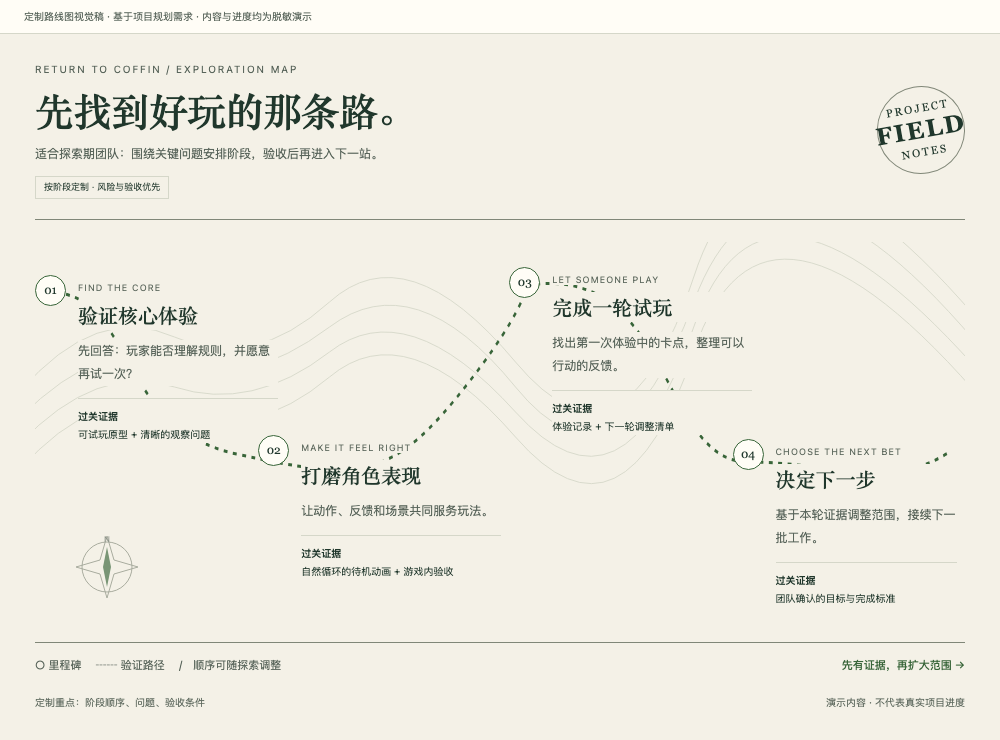
Example briefTest the gameplay first, with risks and acceptance evidence at each stage.
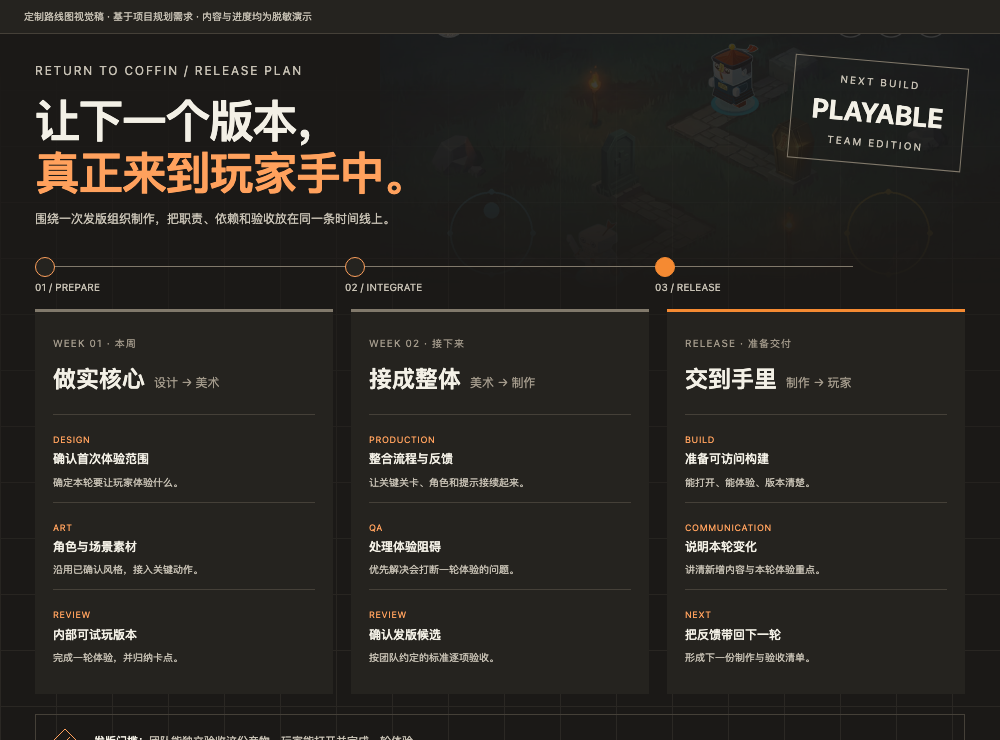
Example briefBring release goals, production weeks, responsibilities and dependencies into one view.
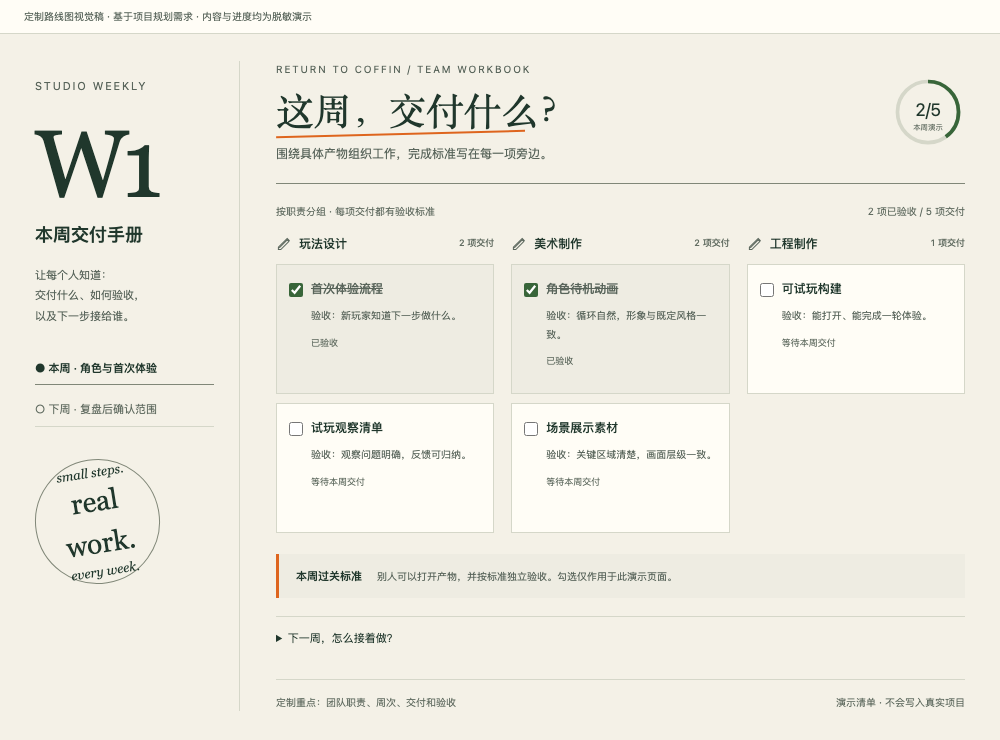
Example briefOrganize each week by responsibility, with shared checklists and reviews.
Three visual concepts redesigned around Return to Coffin planning needs. Content, weeks and progress are redacted demonstrations.
Turn your ideas into a playable game with MiniGrove.
Explore the guide →Currently invitation-only; a new cloud project created by invitation can try MiniGrove free first · Email us for an invitation